Administration
Account
في هذه الصفحة
انتقل إلى قسم
Creating an account
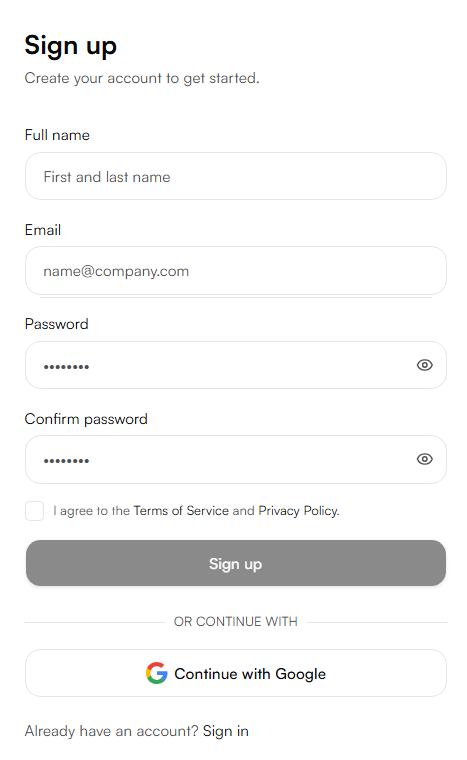
Create a free account at nabrah.ai. Two sign-up options are available:
Email : register with an email address and password. A verification email will be sent click the link to activate the account before logging in.
Google : sign up using a Google account. No email verification is required. The account remains linked to the Google email and cannot be changed to a different address later.
After sign-up, the workspace dashboard opens automatically.
Managing your account
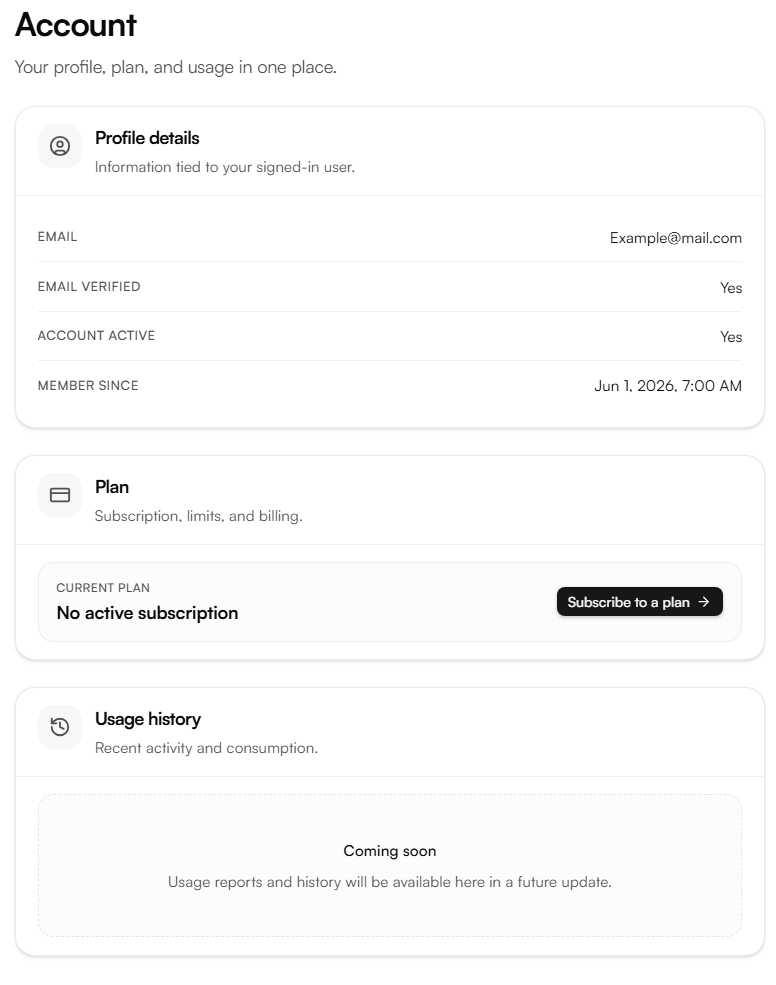
Account management is accessible from the account settings page in the dashboard.
Plan : view your current active plan, upgrade to a higher tier, or downgrade to a lower one. Changes take effect at the start of the next billing cycle.
Cancellation : cancel the active subscription from the account settings. After cancellation, the account reverts to the free tier at the end of the current billing period.
For plan details, credit rates, and usage history, see Billing & Credits.