Engagement
Contacts
On this page
Jump to a section
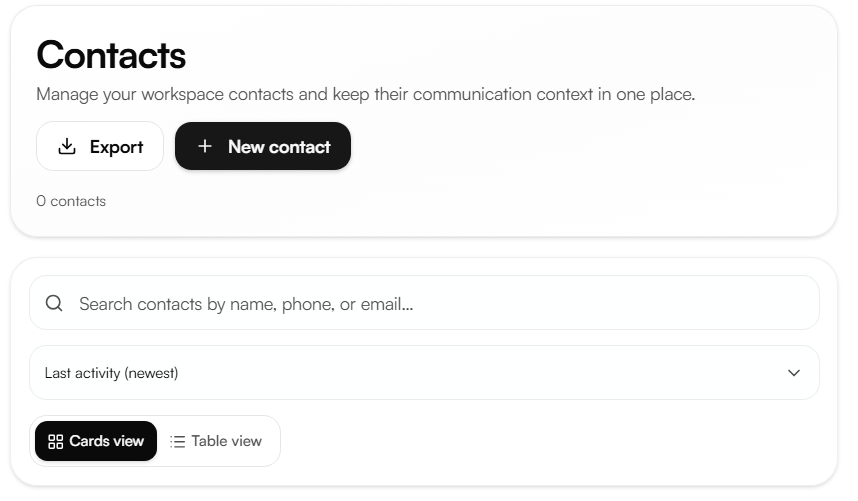
Contacts store the identity and channel details of the people your agents interact with. They are shared across calls, WhatsApp, and follow-ups so any interaction with a phone number is automatically linked to the matching contact.
Creating a contact
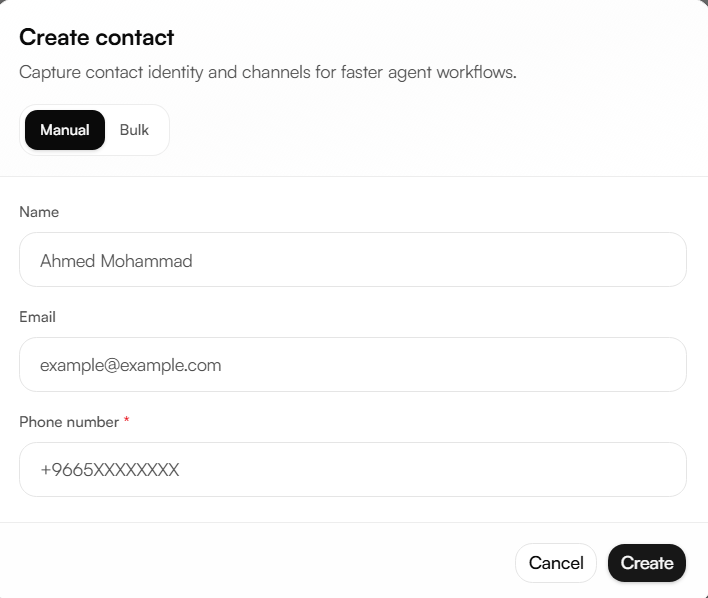
Click Create Contact, then choose Manual or Bulk.
Manual
Name (optional) a display name for the contact.
Email (optional) the contact's email address.
Phone number (required) a contact created without a name or email is saved under its number.
Bulk
Upload a CSV file with the headers name, email, phone_number. A template is available to download from the upload dialog. As with manual creation, phone_number is required for each row.
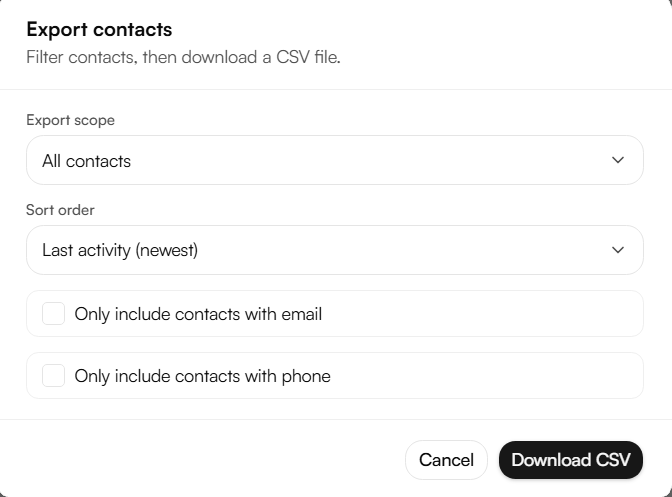
Exporting contacts
Click Export, configure the scope and sort order, then download the file as CSV.
Export scope all contacts, or a filtered subset based on the current view.
Only include contacts with email - narrows the export to contacts that have an email address on file.
Only include contacts with phone - narrows the export to contacts that have a phone number on file.