
Integrations
Plugins overview
Plugins connect an agent you built in Nabrah Agents to more places customers can reach it, such as your website or a shareable link. Each plugin uses the agent's existing setup: its prompt, voice, variables and analysis. You build the agent once, and the plugin decides where it can be reached.
Plugins live under Agents → Integrations → Plugins. Each plugin appears as a card you can open, configure and manage on its own.
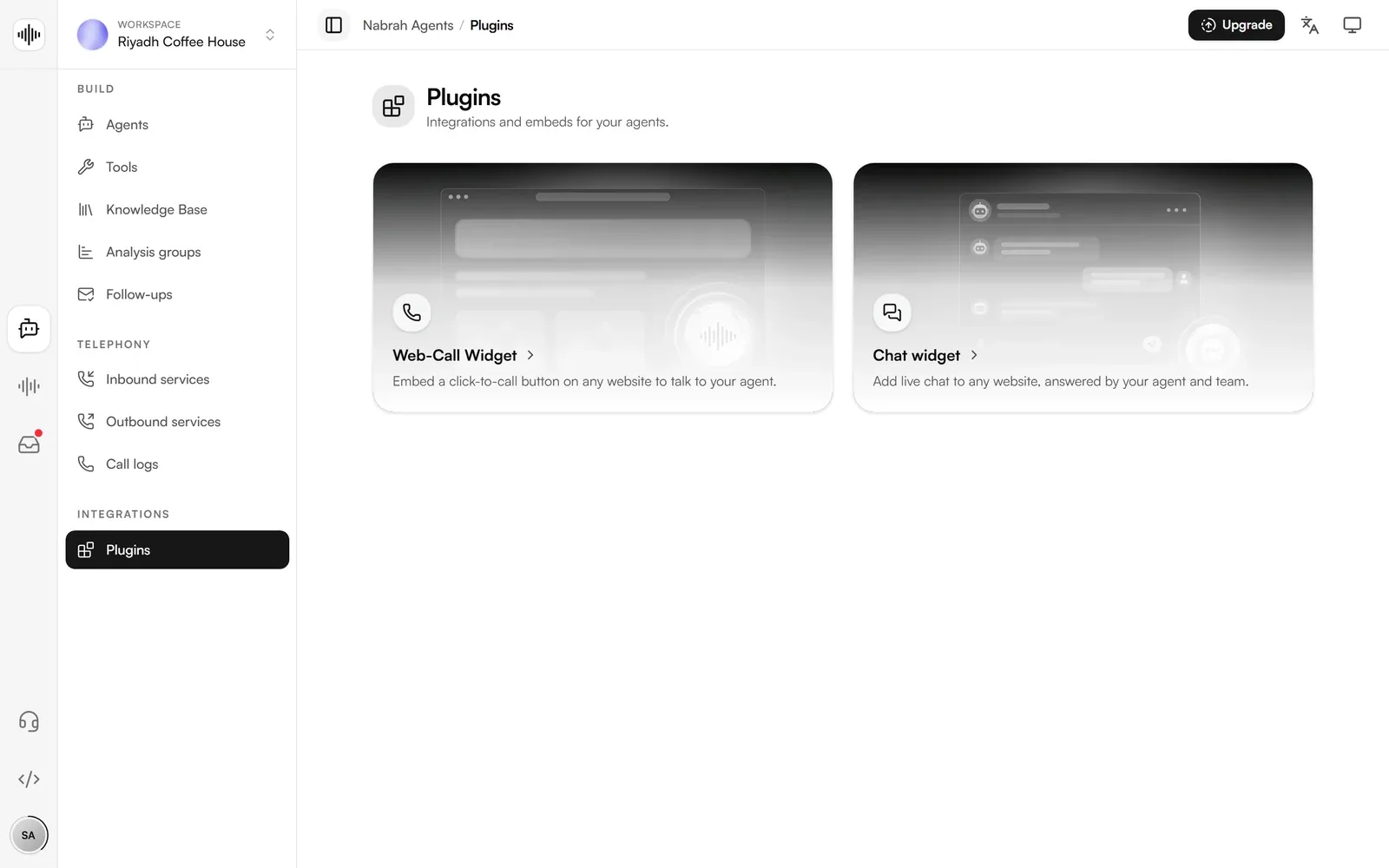
Available plugins
Plugin | What it does |
|---|---|
Adds a call button to your website so visitors can talk to your agent by voice, in their browser. Can also give you a direct link to share | |
Adds a chat window to your website. Your agent answers first, and your team can take over from the inbox |
Choosing between the two
Both widgets can run on the same site, and each has a different starting point.
Web-call widget | Chat widget | |
|---|---|---|
Visitor starts with | A voice call | A typed message |
Best for | Questions faster to say than to type: bookings, support calls, sales | Visitors who prefer to read and type, or are somewhere they can't speak |
Handled by | The agent, for the whole call | The agent first, then your team from the inbox |
Can switch to voice | — | Yes, if you turn on voice in the widget |
Conversation record | Agents → Telephony → Call logs | CX → Inbox → Web chat |
Pick Web-call widget when a spoken conversation is the point. Pick Chat widget when visitors should be able to type. It can still hand off to a voice call mid-chat.
Before you go live
Whichever widget you use, set its allowed websites before you publish the embed code. If that list is empty, anyone who copies your snippet can run your widget and spend your usage on their own site.
Frequently asked questions
Who can open Plugins? Members with access to API keys in their workspace permissions. View access lets them see widgets and copy embed codes. Edit access lets them create, change and delete widgets. See Workspace & teams.
Does a plugin need its own agent? No. Pick any agent in the workspace. The same agent can answer phone calls, the web-call widget and the chat widget.